


On this page
- Why Docking Stations Matter in Modern UAE Workplaces
- USB-C Hubs vs Docking Stations: Understanding the Difference
- Key Features to Evaluate in a Business Docking Station
- Common Use Cases Across UAE Business Environments
- Buyer Checklist: Selecting the Right Dock for Your Organisation
- How to Source Docking and Connectivity Solutions in the UAE
- Explore the Docking and Connectivity Product Range
Why Docking Stations Matter in Modern UAE Workplaces
The laptop has become the primary work device for most professionals across the UAE. Employees carry a single machine between home, office and client sites. However, a laptop alone rarely provides the full connectivity a productive workstation demands.
A docking station solves this problem. It extends one USB-C or Thunderbolt connection into a full array of ports, displays and peripherals. As a result, employees sit down, plug in one cable and instantly access dual monitors, a wired LAN connection, a full-size keyboard, a mouse, a webcam and more.
For IT managers, this approach also simplifies device management. Standardising on a dock model across an office means consistent setups, easier troubleshooting and lower support overhead. Therefore, docking stations are not merely a convenience accessory — they are a workplace infrastructure decision.
USB-C Hubs vs Docking Stations: Understanding the Difference
These two product categories are often confused, yet they serve different purposes. Understanding the distinction helps procurement teams make better purchasing decisions.
A USB-C hub is a compact, bus-powered device that expands a single USB-C port into several additional ports. It draws power from the host laptop and is designed for portability. Hubs suit travelling professionals who need a lightweight expansion solution on the road.
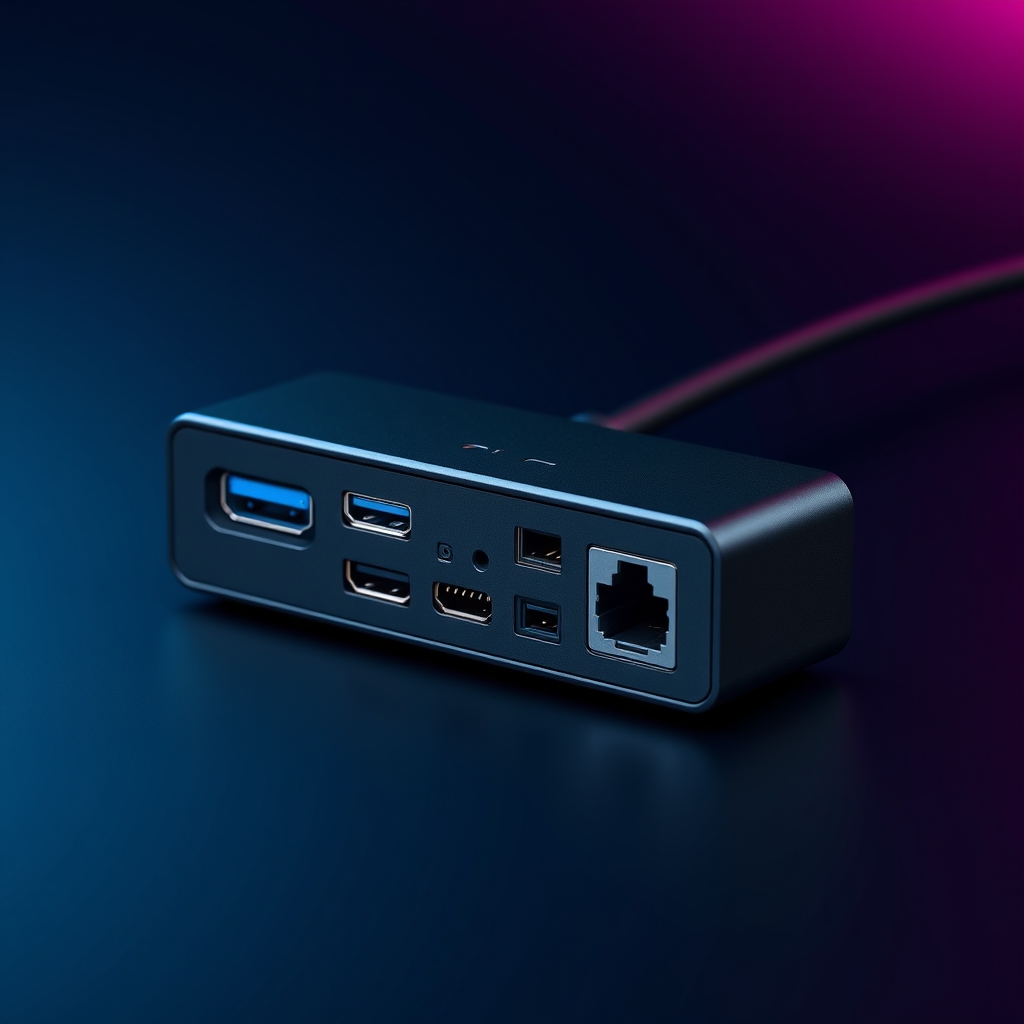
A docking station, in contrast, connects to mains power and delivers significantly more capability. It can power the connected laptop through Power Delivery, drive multiple external displays, provide Gigabit Ethernet, offer multiple USB-A and USB-C ports, and include audio jacks and card readers — all simultaneously. Docking stations suit fixed workstations, hot desks and meeting rooms.
In short, choose a hub for portability and a dock for a permanent or semi-permanent workstation setup. Many organisations deploy both: docks at desks and hubs in laptop bags.
Key Features to Evaluate in a Business Docking Station
Not every dock is equal. The right specification depends on the user’s workflow, the laptop in use and the display configuration required. The following features deserve careful evaluation.
Power Delivery
Power Delivery (PD) allows the dock to charge the connected laptop through the same USB-C cable. Look for at least 65W PD for business laptops and 90W or above for power-hungry devices such as mobile workstations. Insufficient wattage means the laptop battery drains under load, which undermines the purpose of a single-cable setup.
Display Output: HDMI, DisplayPort and Dual-Monitor Support
Display connectivity is often the deciding factor. Confirm whether the dock supports the resolution and refresh rate your monitors require. Most business docks offer at least one HDMI and one DisplayPort output. Dual-display support is standard on mid-range and premium models. However, some USB-C docks rely on DisplayLink technology to drive multiple screens, which requires a driver installation — a consideration for locked-down corporate devices.
Wired LAN
Wi-Fi is convenient, but Gigabit Ethernet remains the preferred connection for video calls, large file transfers and secure corporate networks. A built-in RJ45 port on the dock eliminates the need for a separate LAN adapter. This is especially relevant in UAE enterprise environments where network security policies often mandate wired connections.
USB Port Mix and Peripheral Support
Count the USB-A and USB-C ports available on the dock. Consider the peripherals each user needs: keyboard, mouse, webcam, headset, external storage and printer. A dock with four or more USB-A ports and at least one downstream USB-C port covers most business scenarios comfortably.
Audio and Additional Ports
A 3.5mm audio combo jack supports headsets for video conferencing. SD and microSD card readers add value for creative and field teams. Some docks also include a Kensington lock slot, which matters in shared or open-plan environments.
Common Use Cases Across UAE Business Environments
Docking and connectivity solutions serve a wide range of deployment scenarios. Each context has distinct requirements.
Fixed Office Desks
A full-featured docking station with dual-display support, Power Delivery and Gigabit Ethernet is the right choice for a permanent desk. The employee connects one cable, and the workstation is ready. This setup reduces cable clutter and wear on the laptop’s ports.
Hot Desks and Flexible Workspaces
Hot-desking is increasingly common across Dubai and Abu Dhabi commercial districts. Here, a standardised dock at each desk allows any employee to connect any compatible laptop quickly. IT teams benefit from a uniform configuration that is easy to support remotely.
Meeting Rooms and Boardrooms
Meeting rooms need reliable display connectivity for presentations. A dock or a set of display adapters installed at the table allows visitors and employees to connect laptops to room screens without hunting for the right cable. HDMI and USB-C adapters covering multiple laptop generations are a practical investment.
Education and Training Environments
Schools, universities and corporate training centres in the UAE face similar challenges. Students and trainers use laptops that must connect to projectors, displays and LAN. Affordable USB-C hubs and docks provide a cost-effective solution at scale.
Remote and Hybrid Workers
Employees working from home need a reliable home-office setup. A compact docking station or a quality USB-C hub with Power Delivery, HDMI output and LAN gives remote workers a near-office experience. This directly supports productivity and reduces IT support calls related to connectivity issues.

Buyer Checklist: Selecting the Right Dock for Your Organisation
Before placing an order, IT managers and procurement teams should work through the following questions. This checklist prevents common mismatches between dock specifications and actual workplace requirements.
Laptop Compatibility
Confirm whether the organisation’s laptops support USB-C with DisplayPort Alt Mode or Thunderbolt. Not all USB-C ports carry video signals. A dock that relies on DisplayPort Alt Mode will not drive external displays from a USB-C port that carries data only. Check the laptop specifications carefully before selecting a dock model.
Number and Type of Displays
Determine how many external monitors each user requires and at what resolution. Single-display users have more dock options available. Dual 4K display setups require a Thunderbolt 4 or USB4 dock, or a dock using DisplayLink technology. Clarify this requirement before shortlisting products.
Power Delivery Requirement
Check the wattage the laptop requires for full-speed charging. Match this against the dock’s Power Delivery specification. For mixed laptop fleets, choose a dock with higher PD output to cover the most demanding device in the fleet.
Port Requirements per User
List the peripherals each user connects daily. Add up the USB-A, USB-C, audio and other ports required. Then compare this against the dock’s port count. Avoid underspecifying — a dock with too few ports forces users to add additional hubs, which defeats the purpose of a clean single-cable setup.
Deployment Scale and Standardisation
For large deployments, standardising on one or two dock models reduces procurement complexity and simplifies support. Work with a distributor that can supply consistent stock across multiple purchase orders. Volume pricing and warranty support are also important considerations at scale.
Warranty and After-Sales Support
Business-grade docks should carry a minimum two-year warranty. Confirm that the supplier can provide replacement units and local technical support. In the UAE, after-sales service quality varies significantly between suppliers, so choose a distributor with a proven regional support capability.
How to Source Docking and Connectivity Solutions in the UAE
The UAE market offers a range of docking station brands suited to different budgets and use cases. Brands such as Targus, j5create and Lindy are well regarded in the business channel for their build quality, compatibility and warranty terms. Logitech and Samsung also offer connectivity accessories that complement broader workplace technology deployments.
Sourcing through an authorised distributor ensures genuine products, consistent pricing and access to technical pre-sales support. Resellers and system integrators benefit from working with a distributor that holds regional stock and understands the specific requirements of UAE and GCC enterprise environments.
For organisations evaluating their broader business technology solutions, docking and connectivity accessories are a natural complement to laptop, monitor and collaboration technology investments. A well-specified dock extends the value of every laptop in the fleet.
Resellers and integrators looking to expand their accessory portfolio can explore NEWCOM’s vendor and channel partner programme to understand available brands, margin structures and support resources.
Explore the Docking and Connectivity Product Range
Selecting the right docking station, USB-C hub, display adapter or cable requires matching specifications to real-world requirements. The process is straightforward when you have access to the right product information and pre-sales guidance.
Browse the full range of business connectivity accessories, including docking stations, USB-C hubs, display adapters and cables, through the NEWCOM product catalogue. The catalogue covers solutions from leading brands suited to UAE enterprise, SMB and education environments.
For tailored recommendations, volume pricing or support with a specific deployment requirement, reach out directly by contacting the NEWCOM team. The pre-sales team can help match the right connectivity solution to your organisation’s laptops, displays and workspace configuration.
Frequently Asked Questions
What is the difference between a USB-C hub and a docking station for business use?
A USB-C hub is a compact, bus-powered device that adds a few extra ports and is designed for portability. A docking station connects to mains power, delivers significantly more ports, drives multiple external displays, provides Gigabit Ethernet and charges the laptop through Power Delivery — all simultaneously. Docking stations suit fixed or hot-desk workstations, while hubs suit travel use.
How do I know if my laptop is compatible with a docking station?
Check whether your laptop’s USB-C port supports DisplayPort Alt Mode or Thunderbolt. Not all USB-C ports carry video signals. Refer to the laptop’s technical specifications or the manufacturer’s documentation. If the port supports only data and charging, you will need a dock that uses DisplayLink technology to drive external displays, which requires a driver installation.
How much Power Delivery wattage do I need from a docking station?
Match the dock’s Power Delivery output to the laptop’s charging requirement. Most business laptops need between 45W and 65W. Mobile workstations and high-performance laptops may require 90W or more. For mixed laptop fleets, choose a dock rated at the highest wattage needed across the fleet to ensure all devices charge at full speed.
Can a docking station support dual external monitors?
Many mid-range and premium docking stations support dual external monitors. However, the capability depends on the dock’s chipset and the laptop’s USB-C or Thunderbolt specification. Thunderbolt 3, Thunderbolt 4 and USB4 docks generally provide the most reliable dual-display support at higher resolutions. Docks using DisplayLink technology can also drive multiple screens but require driver software.
Where can businesses in the UAE source docking stations and USB-C accessories in volume?
Businesses and resellers in the UAE can source docking stations, USB-C hubs, display adapters and cables through authorised distributors that hold regional stock and offer pre-sales technical support. Working with an authorised distributor ensures product authenticity, warranty coverage and access to consistent supply across multiple purchase orders.